.svg)
Post-Production Software That Works Inside Avid and Premiere
ioMoVo brings governed AI, federated storage, and marketplace-published integrations to post-production teams. Edit in Avid Media Composer or Adobe Premiere Pro. Manage assets in ioCloud or where they already live. Govern AI workflows across the entire production pipeline, without forcing teams out of the tools they already use.
Why Post-Production Teams Choose ioMoVo
Post-production happens across software ecosystems, storage tiers, and time zones. Editors work in Avid or Premiere. Producers track approvals in their project tools. Footage lives across local drives, NAS, and cloud object stores. AI can help, but only if it works inside the tools and storage you already use.
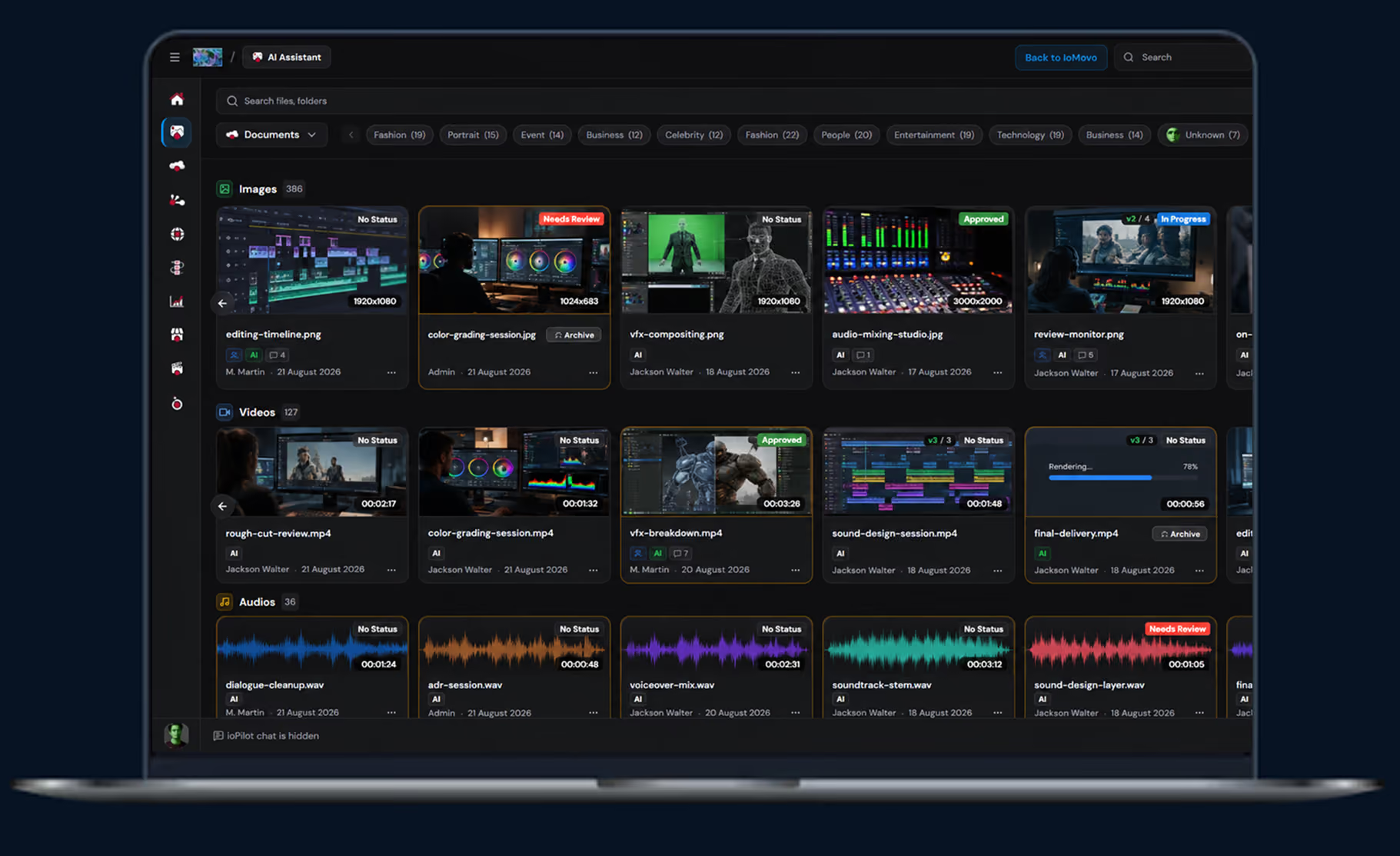
ioMoVo is video post production software that combines media asset management with governed agentic AI. Marketplace-published integrations for Avid Media Composer and Adobe Creative Cloud bring asset access and AI-driven search directly into the editorial environment. Federated storage means content stays where it is. AI tagging, transcription, and approval workflows run across the entire pipeline, so teams spend far less time searching for and tagging footage by hand.
Video Post Production Software with Governed AI
Marketplace integrations into the NLE
The ioMoVo Panel for Avid Media Composer is published on Avid Marketplace. Editors get asset access, metadata, and AI-driven search inside Media Composer without leaving the editor. The Adobe Creative Cloud plugin on Adobe Exchange brings the same capabilities to Premiere Pro and supported Creative Cloud apps. Editorial teams keep working the way they do today, with no forced migration.
AI-driven post-production discovery
Vision and multimodal AI powers video search, with auto-tagging from visual content, scene detection, transcription, OCR on graphics and lower thirds, and color extraction. Find specific takes, shots, or moments across thousands of hours of footage in a single query.
File-level AI for editors and reviewers
io Assistant is a contextual AI companion built into every file preview. Editors, colorists, sound designers, and reviewers can ask about the clip, image, or document in front of them and get answers grounded in that file.
Federated storage for production-scale media
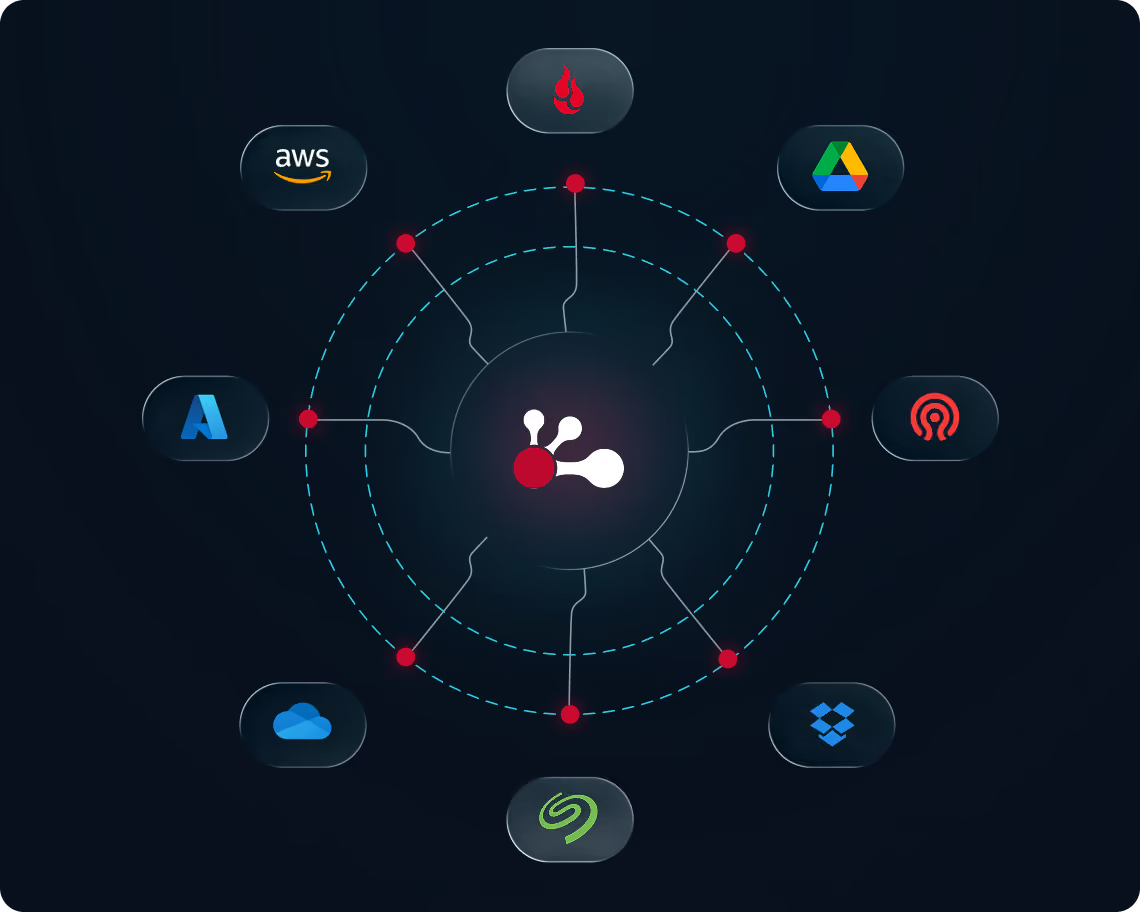
Connect AWS S3, Azure Blob, Google Drive, OneDrive, Dropbox, Backblaze B2, Seagate, Ceph, and on-prem object stores. Camera originals, proxies, and deliverables stay in place across mixed storage tiers, and ioMoVo adds AI tagging, search, and workflow automation across all of them. No migration required.
Approval workflows for post-production deliverables
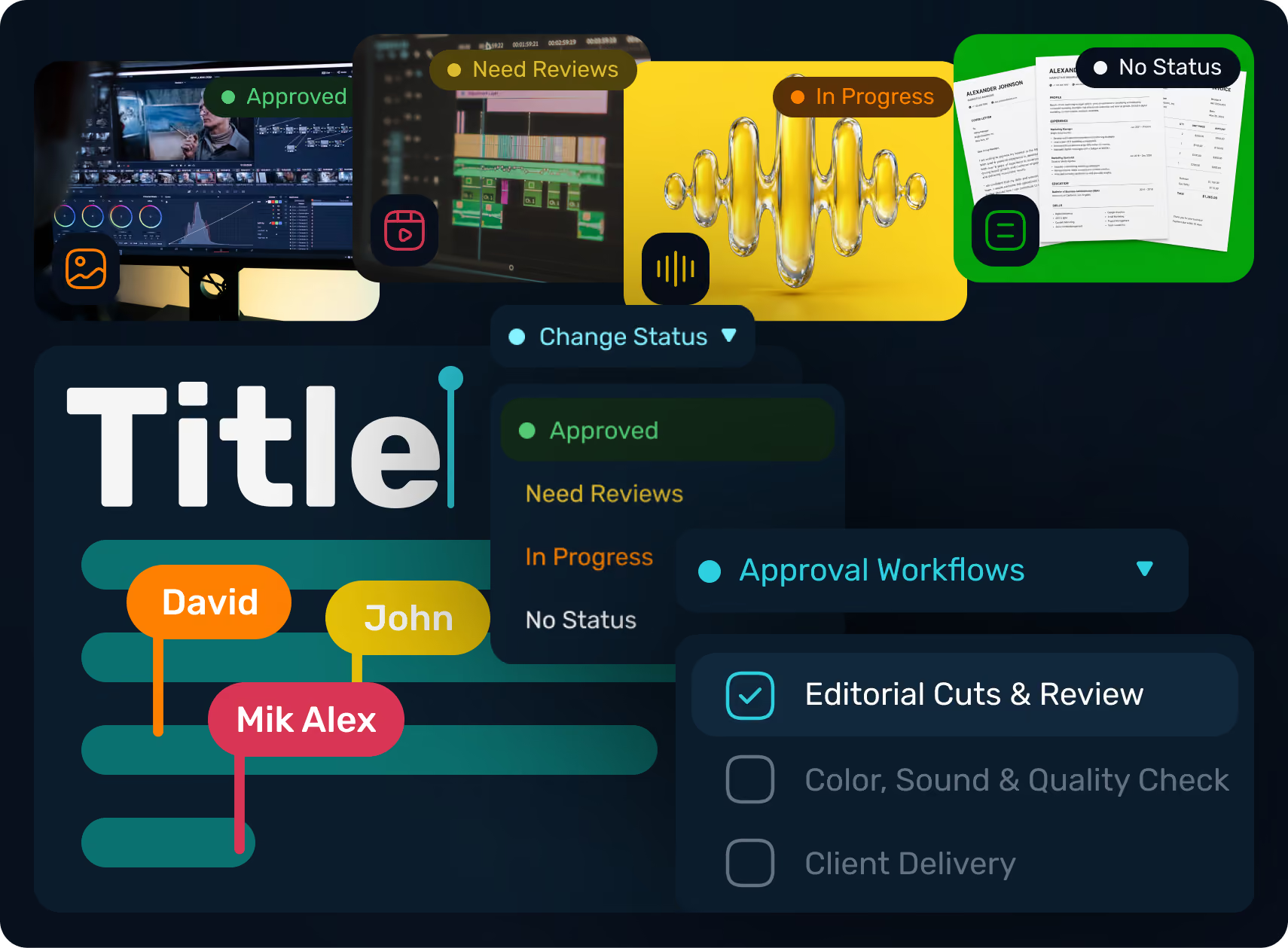
ioFlow runs review and approval for rough cuts and fine cuts, color and sound review, client and network deliveries, and final QC sign-off, with an audit trail on every approval. Time-bound client deliveries go out through CDN links that expire automatically, revoking access after delivery.

How the ioMoVo Platform Powers
Post-Production


Store. Organize. Govern.

Connect. Index. Federate.
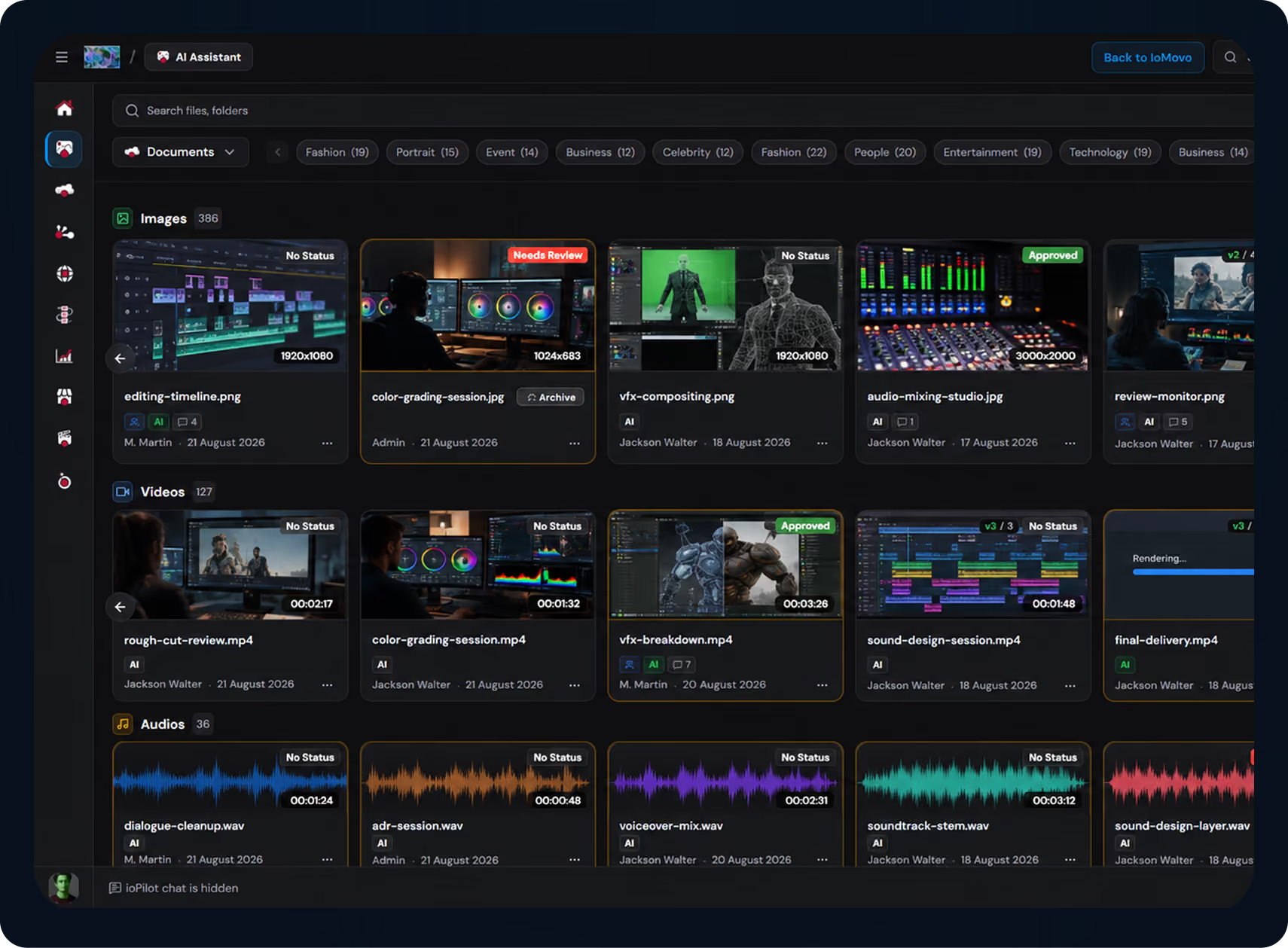

Browse. Organize. Discover

Automate. Orchestrate. Deliver.
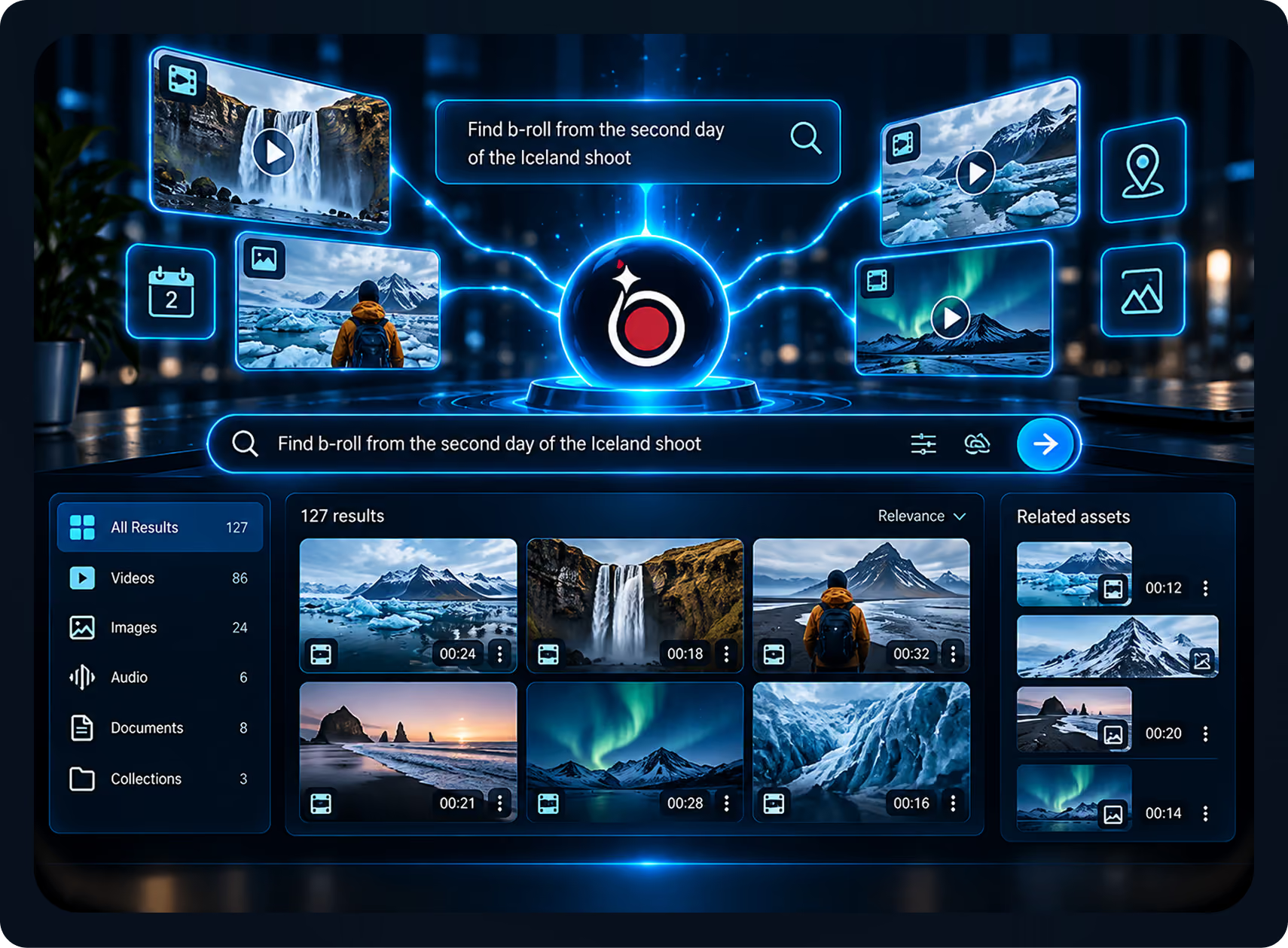

Chat. Discover. Act.

Share. Collaborate. Engage.
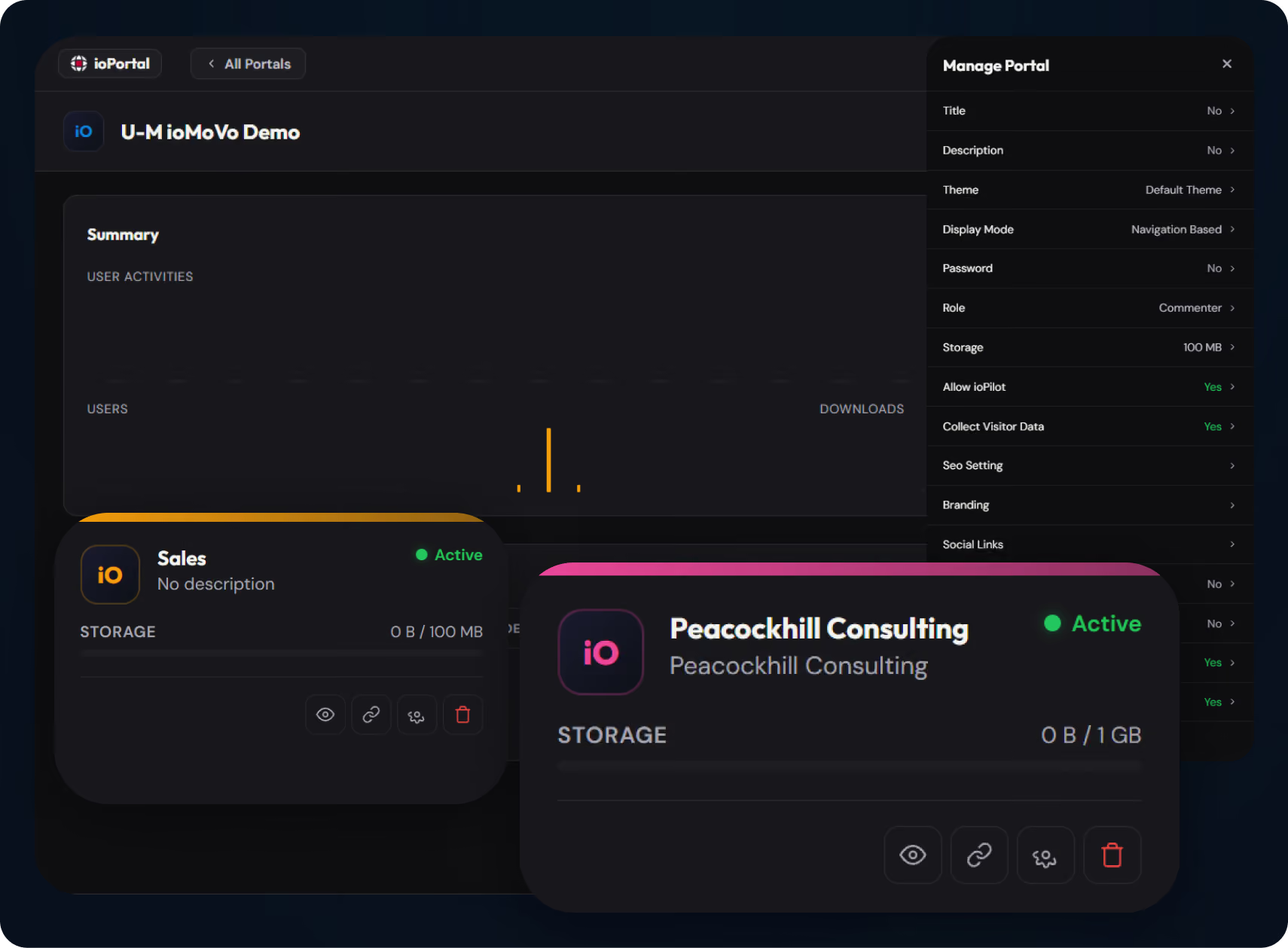
Branded, Secure Sharing


Capture Anywhere. Create Instantly.
Ingest Seamlessly.
Core Post-Production Software Capabilities
NLE integrations for Avid and Adobe
The ioMoVo Panel on Avid Marketplace and the Adobe Creative Cloud plugin on Adobe Exchange put assets and AI search inside Media Composer and Premiere Pro.
AI video search and tagging
Scene detection, auto-tagging, transcription, and OCR on graphics and lower thirds.
Federated storage, no migration
Media stays in S3, Azure Blob, Backblaze B2, Ceph, on-prem object stores, and the other storage you already pay for.
Approvals for every review stage
ioFlow routes cuts, color, sound, and final QC with conditional logic and a full audit trail.
Secure client and network delivery
Role-aware ioPortal access and CDN links that expire automatically after delivery.
Per-file AI with io Assistant
A copilot in every file preview, grounded in the asset itself.
Sovereign and bring-your-own AI
On-prem inference on GPU-accelerated hardware, with your own LLM and vision models for IP-sensitive productions.

Frequently Asked Questions

The ioMoVo Panel for Avid Media Composer is published on Avid Marketplace. Asset access, metadata sync, AI-driven search, and workflow integration all happen inside Media Composer. Editors don't leave the NLE, producers don't lose context, and assets stay governed in ioMoVo.

Yes. The Adobe Creative Cloud plugin on Adobe Exchange brings ioMoVo content into Premiere Pro and supported Creative Cloud apps. It offers the same capabilities as the Avid integration, including asset access, metadata sync, and AI-driven search, inside the Adobe environment.
No. ioMoVo is post production software for the layer around your editor: media asset management, AI search, review and approval, and client delivery. Editing stays in Avid Media Composer or Premiere Pro, and ioMoVo works inside both.
Yes. Sovereign AI deployment runs open-source LLMs and vision models on GPU-accelerated production-house hardware, with air-gapped configurations supported. There is no cloud round-trip for inference. It's built for feature post and other IP-sensitive productions.
No. ioMoVo's federated approach connects to your existing storage, including AWS S3, Azure Blob, Google Drive, OneDrive, Dropbox, Backblaze B2, Seagate, Ceph, and on-prem object stores. Media stays where it is, and ioMoVo applies AI tagging, search, and workflow across all of it.
External links are time-bound and revoke automatically after a configurable period. ioPortal gives clients and networks role-aware access, and every access is logged. For productions where on-prem control is non-negotiable, sovereign deployment keeps media and AI processing inside your facility.
Start with where your editors work and where your media lives. The right platform works inside your NLE, connects to existing storage without migration, finds footage by what's in the shot rather than by file name, and routes cuts through review and client delivery with an audit trail.
Govern your post-production pipeline at
AI scale
See how ioMoVo's post production software unifies asset management, AI-driven workflows, and editorial integrations on a governed platform that works inside Avid, Premiere Pro, and the storage you already use.