.svg)
Media Library Software for Governed AI-Powered Content Operations
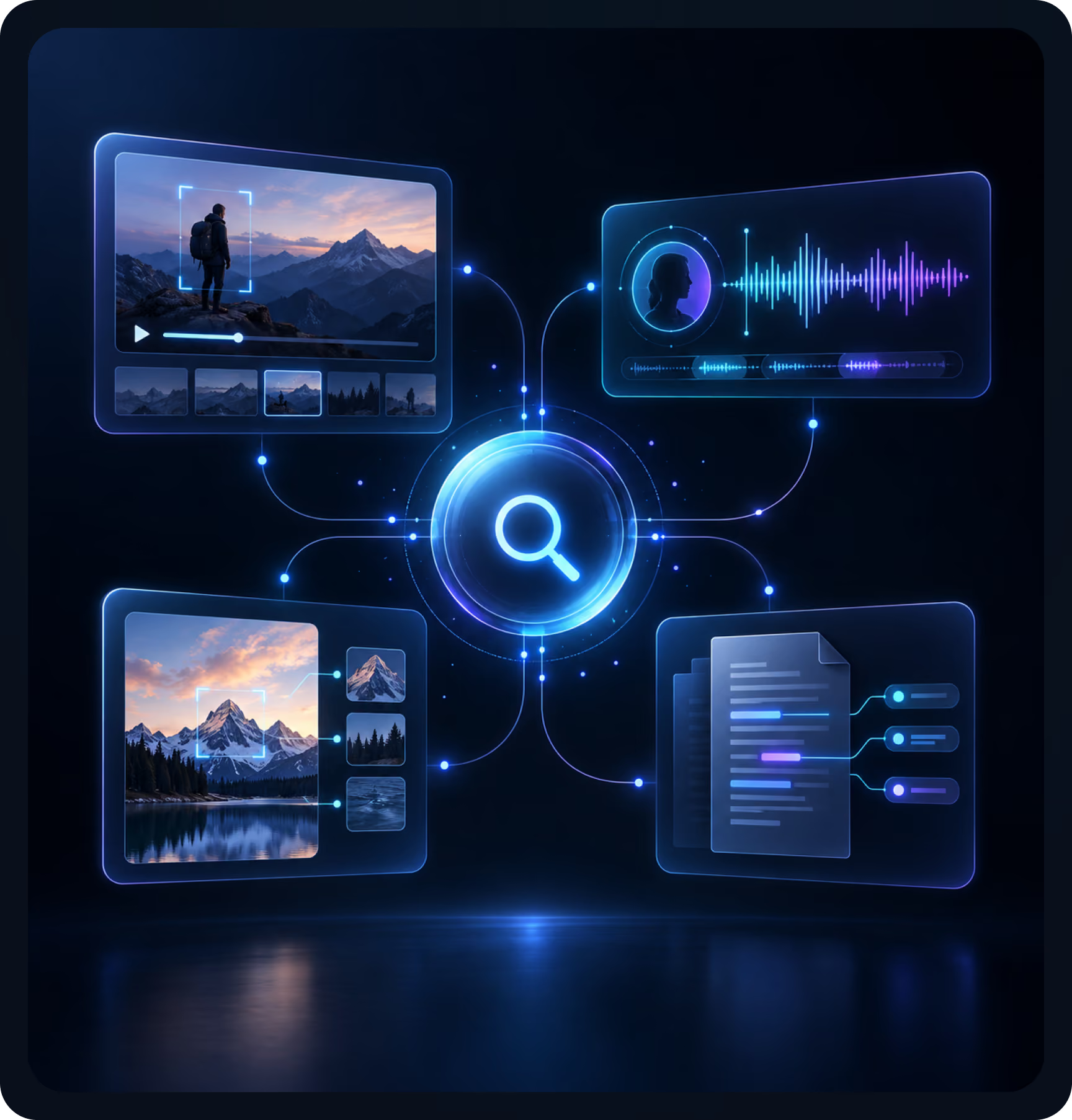
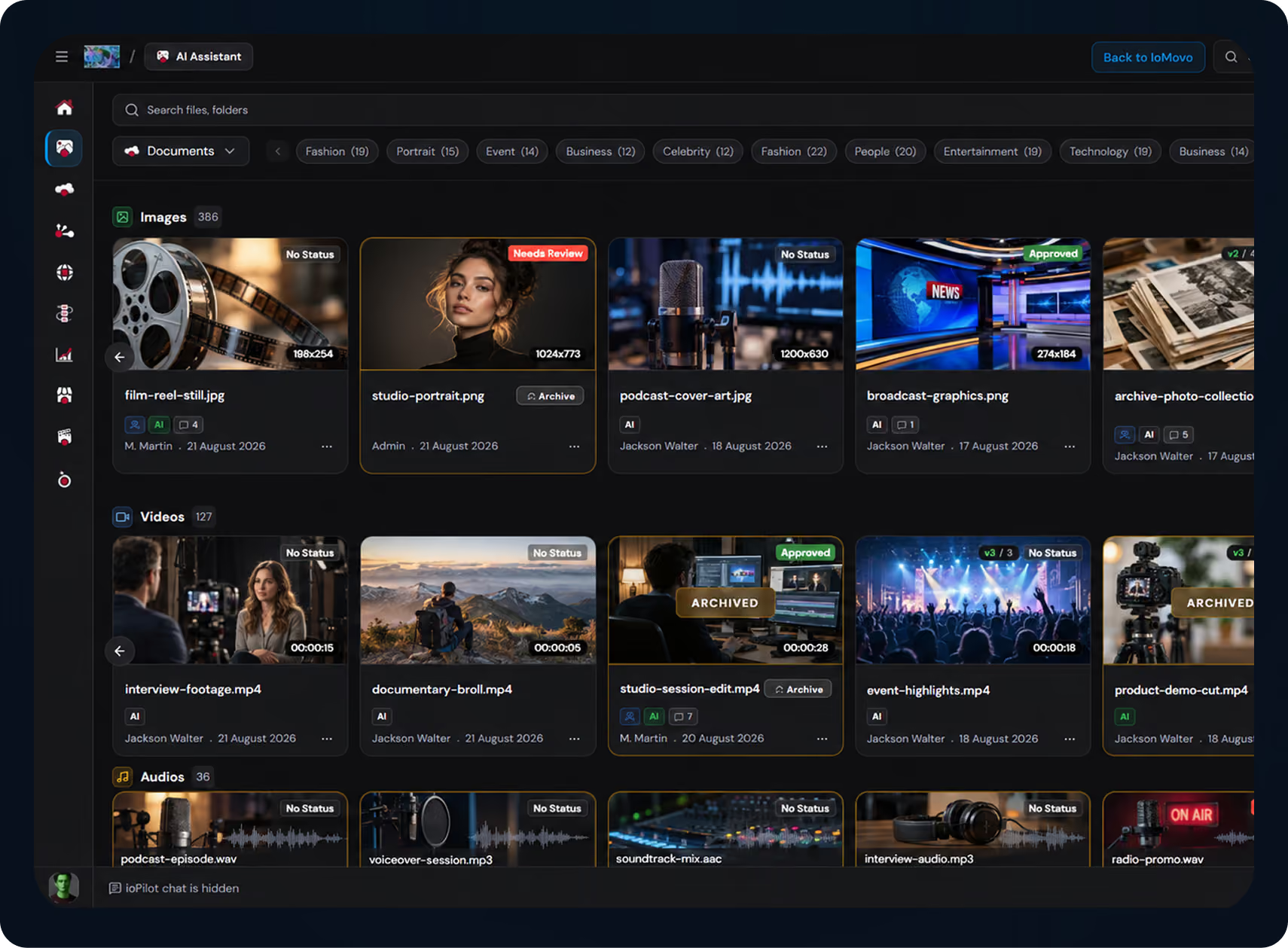
ioMoVo is media library software that brings every video, audio file, image, and document into one searchable, governed digital media library. It works across cloud drives, on-prem storage, and archive tiers. AI search, automated workflows, and connected storage come together in one platform that grows with you.
Why Teams Choose ioMoVo for
Media Library Management
Media libraries grow faster than the tools built to manage them. Event recordings, marketing footage, training videos, and archives end up spread across disconnected systems.
Search turns into guesswork. Governance turns manual. Institutional knowledge gets harder to find every year.
ioMoVo fixes that. Six modules and a Capture Layer handle AI tagging, indexing, workflows, and secure sharing across the storage you already use. Every asset becomes searchable in seconds, and every action is logged by default.
Customers report up to a 70% reduction in manual search and tagging effort.
Media Library Operations with Governed AI
Here's how these capabilities show up in daily library work.
Document Intelligence for older materials
OCR processes scanned archives, historical documents, and course catalogs. Click-to-locate jumps straight to the matching text with a highlight.
AI help in every file
io Assistant sits inside every file preview. Users can summarize, question, and work with an asset without leaving it.
One library across all storage
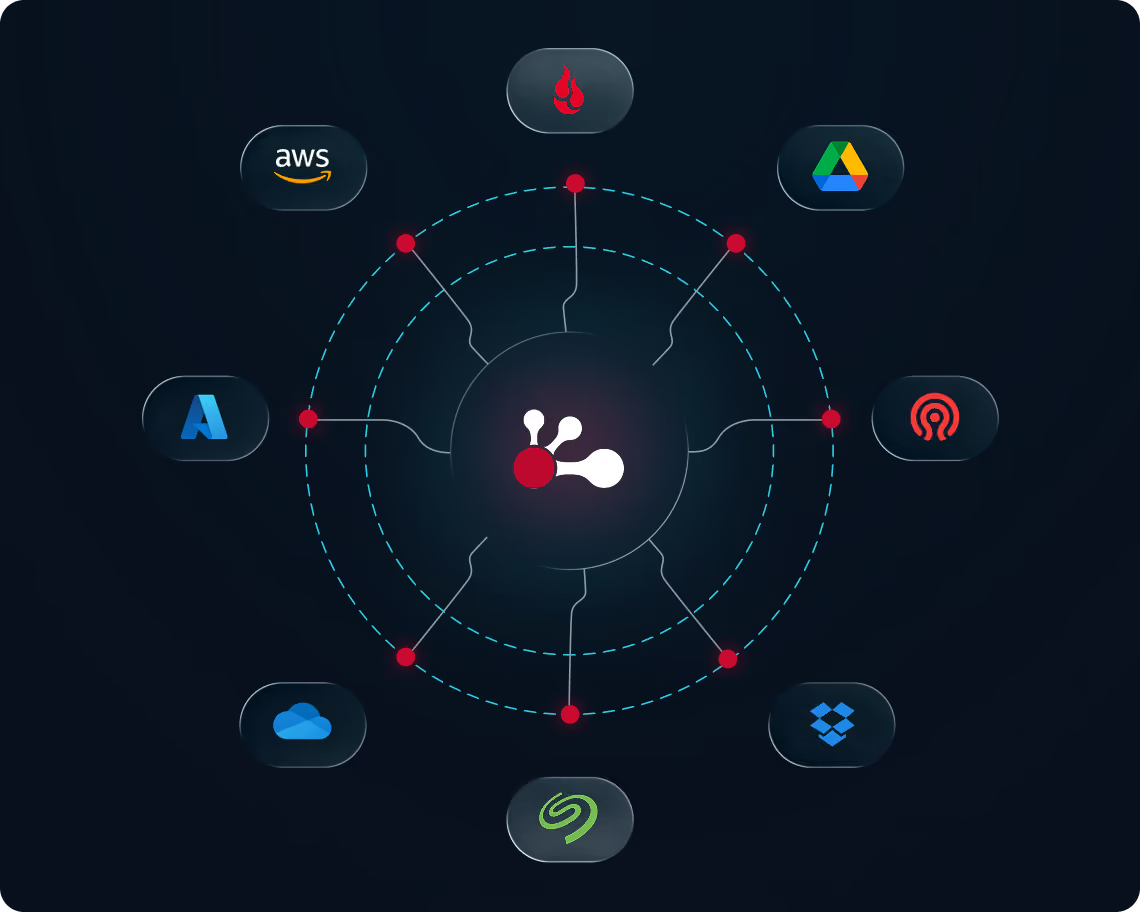
Content stays in cloud, on-prem, or archive storage. ioMoVo adds AI tagging, search, and workflows on top.
Approval and lifecycle workflows
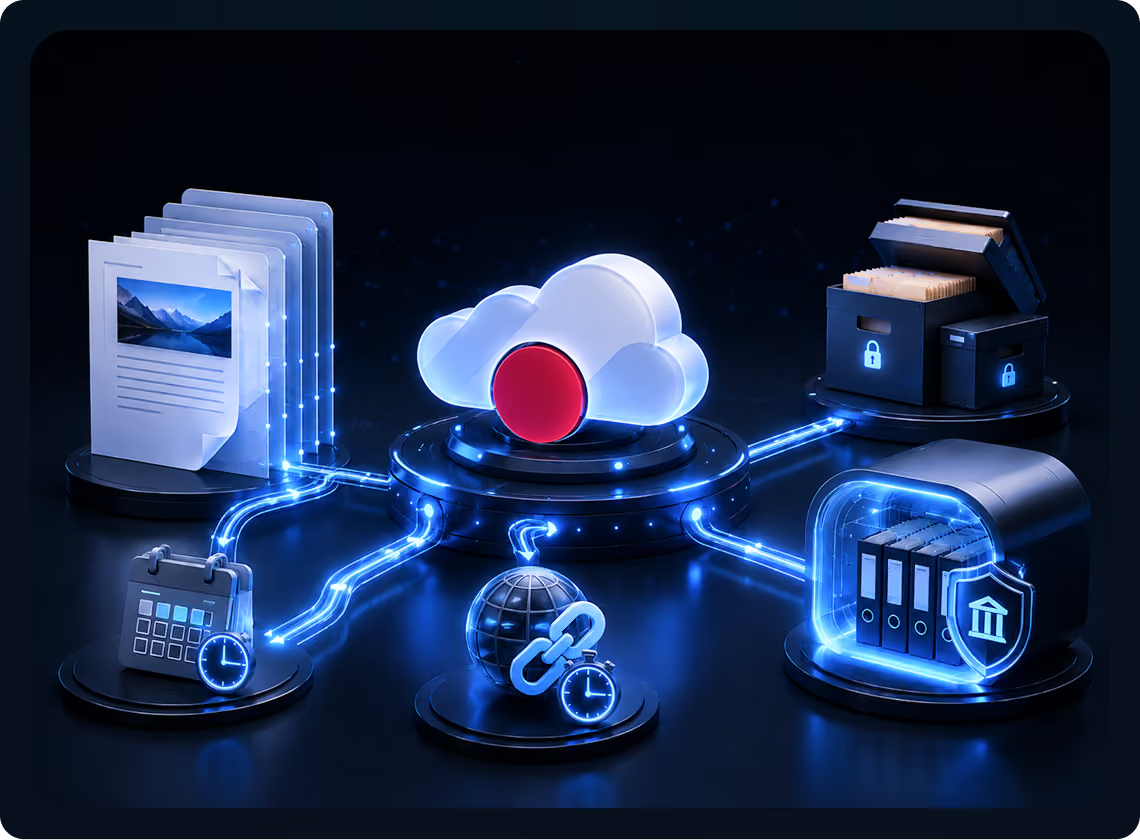
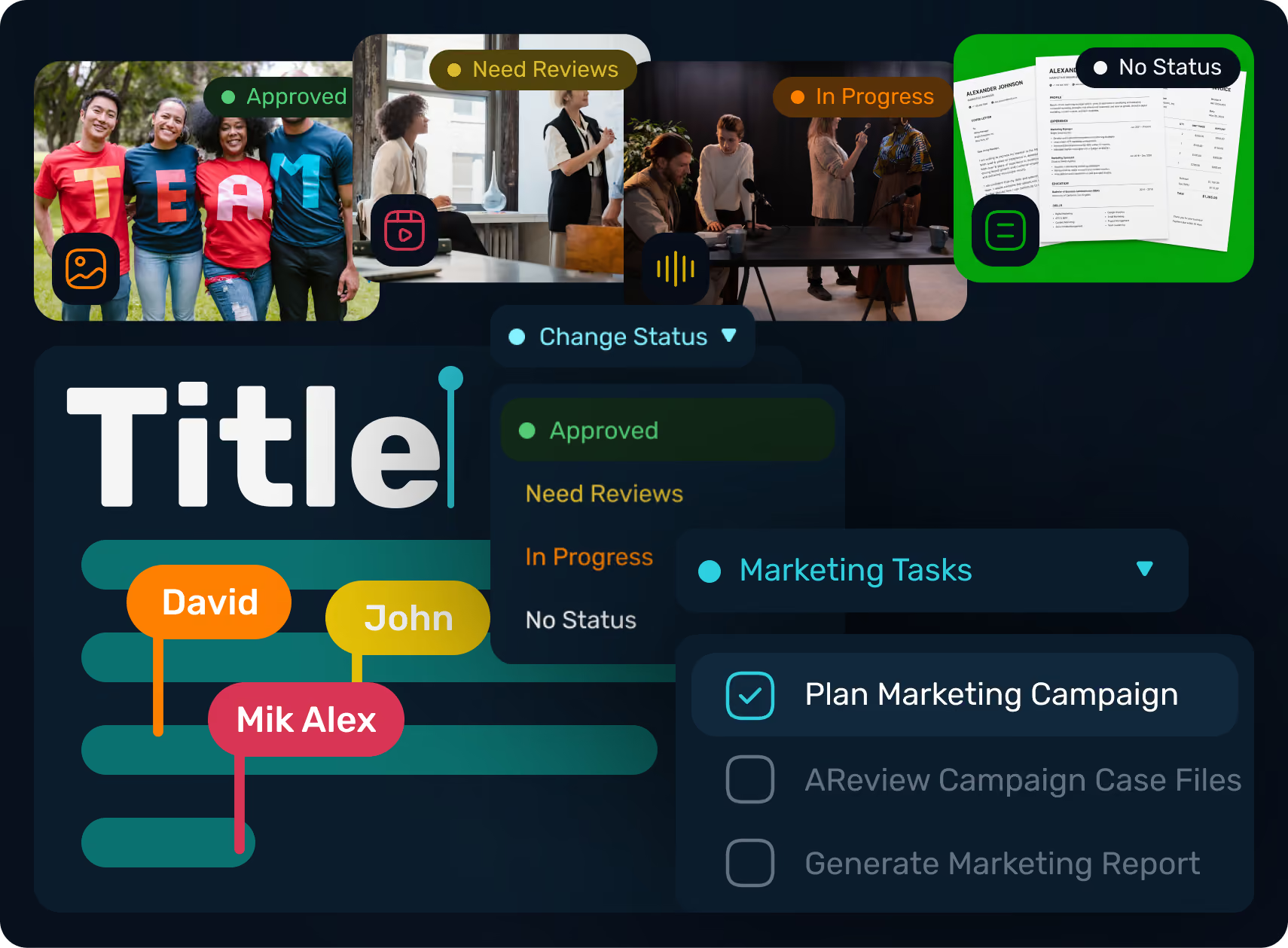
Multi-step review, automated routing, and retention schedules keep editorial work moving and compliant.
How ioMoVo's Media Library
Software Works

Store. Organize. Govern.

Connect. Index. Federate.

Browse. Organize. Discover

Automate. Orchestrate. Deliver.
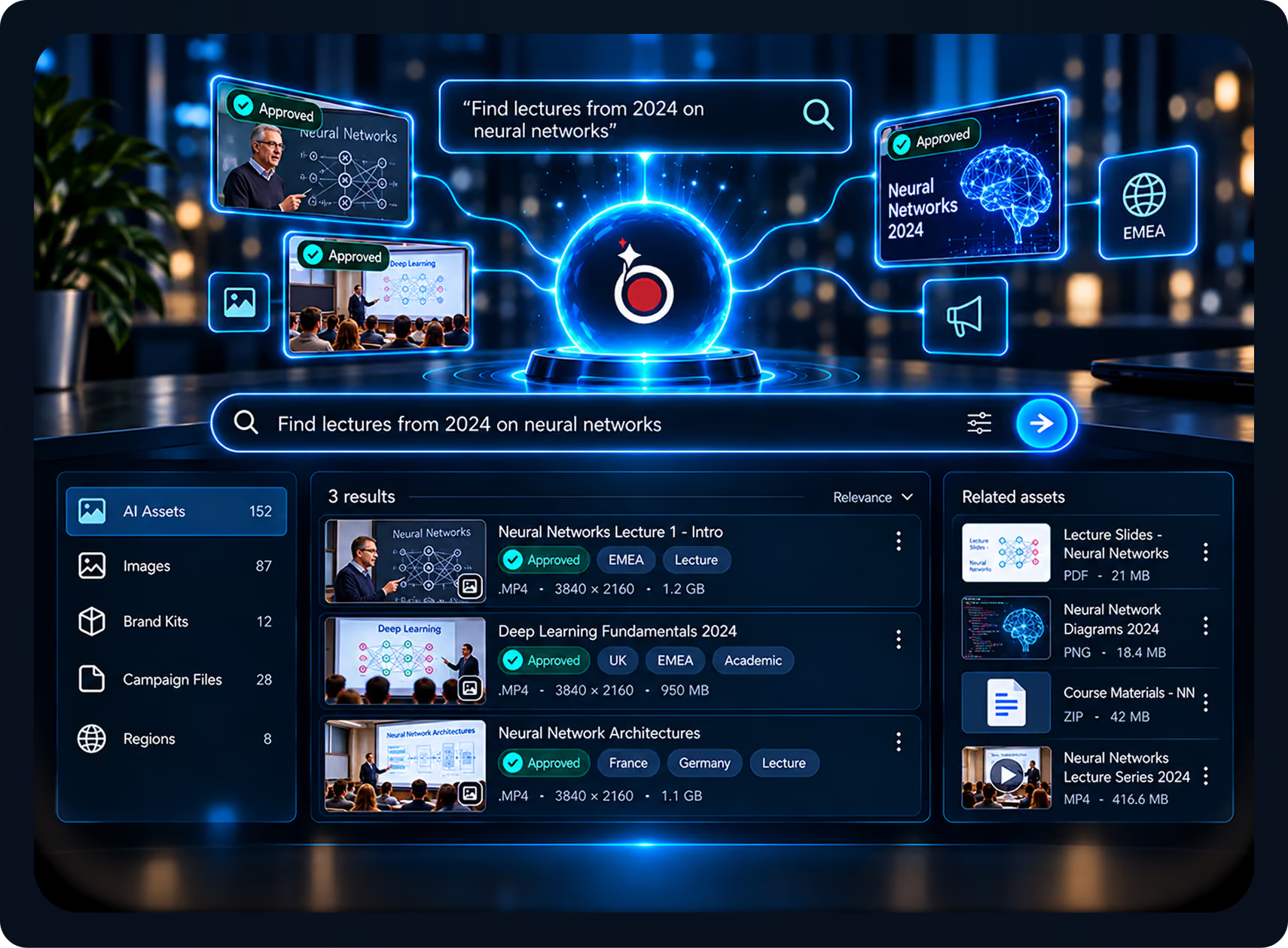

Chat. Discover. Act.

Share. Collaborate. Engage.
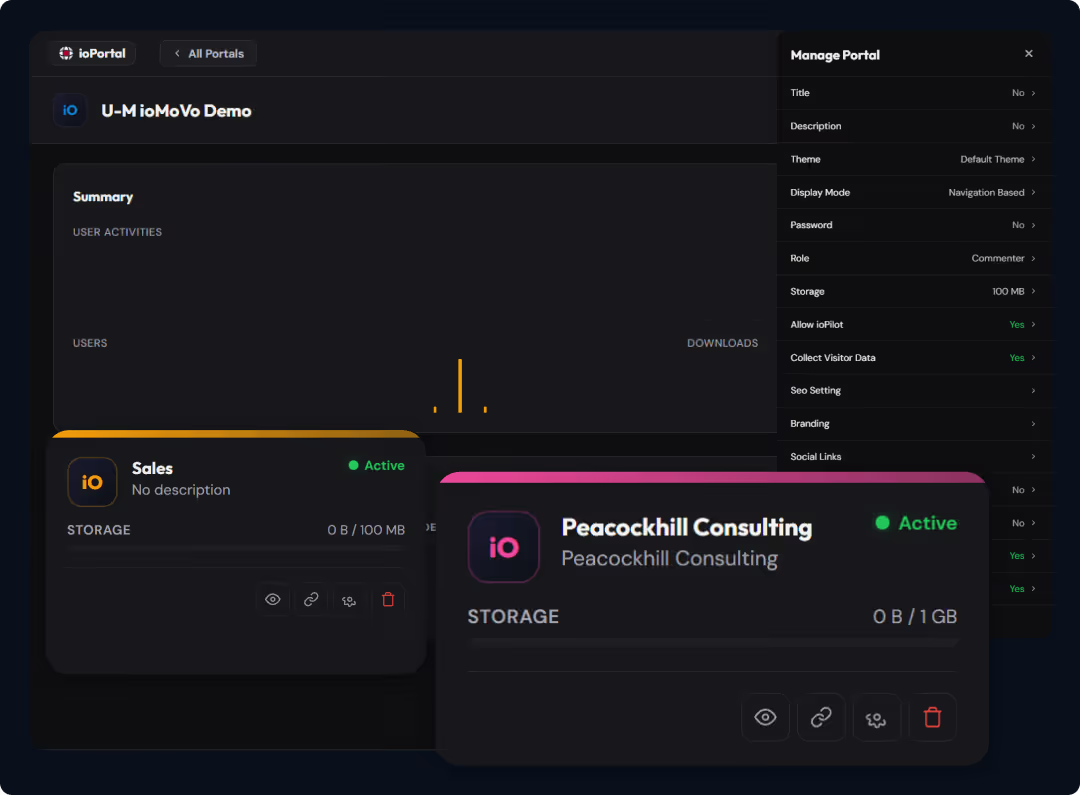
Branded, Secure Sharing
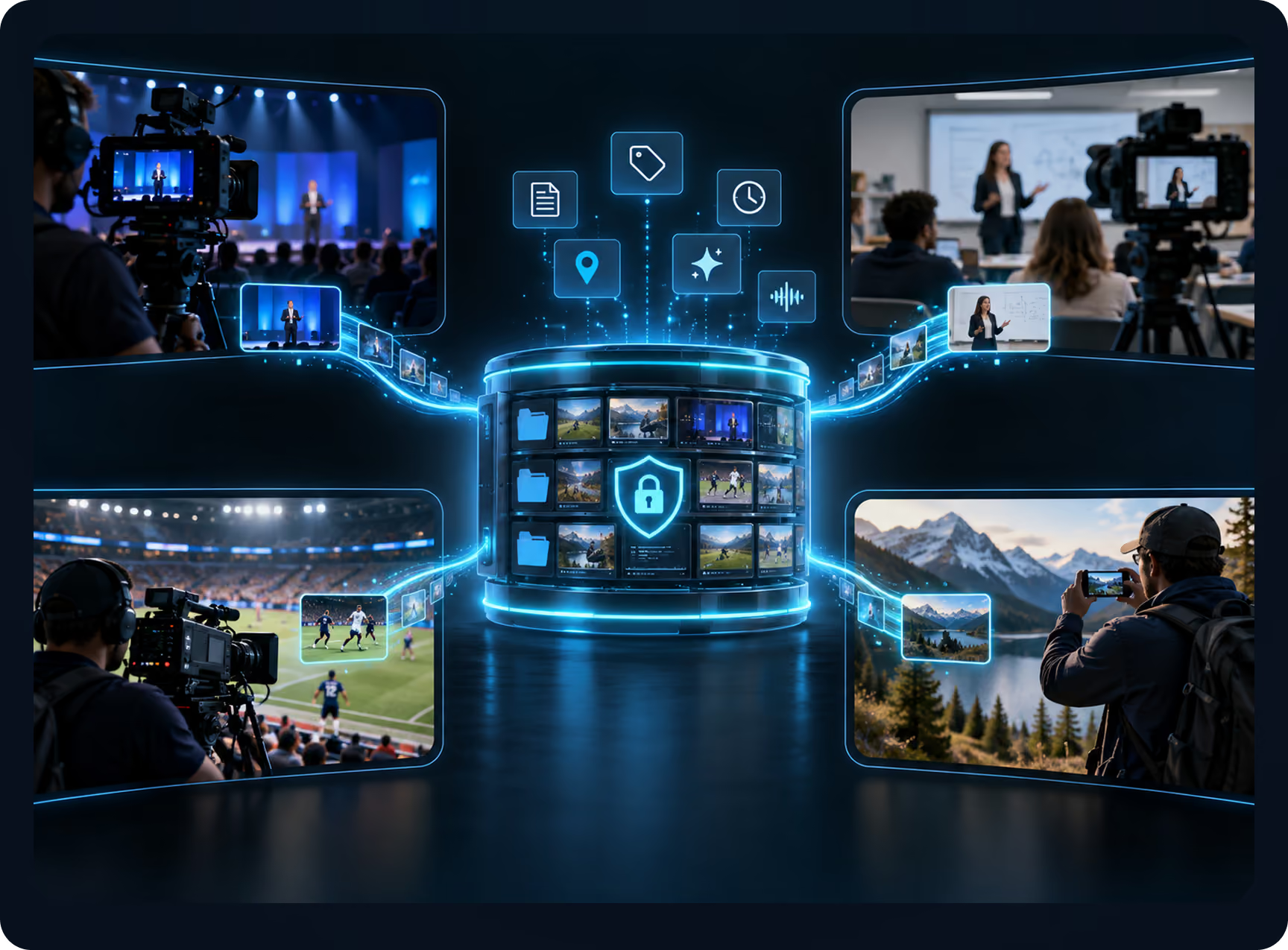

Capture Anywhere. Create Instantly.
Ingest Seamlessly.
Video Library Software, Built In

Find the exact moment
Scene detection and vision AI take you to the right clip, not just the right file.

Search what was said
Full transcripts with speaker identification make lectures, interviews, and event footage searchable by words and speakers.

Archives at any size
Decades of footage stay in place across storage tiers while ioMoVo indexes all of it.

Work inside your editor
Video teams can reach the library from Avid with the Avid Media Composer extension.

Share with control
Send clips and collections through ioPortal with time-limited access and a full audit trail.
Core Media Library Capabilities
AI auto-tagging and metadata
Vision and multimodal AI tag every video, audio file, image, and document on upload. Scene detection covers video, and speaker identification covers audio.
Search across every file type
Search by keyword, visual similarity, transcript text, or speaker. A single query covers your whole library through ioPilot.
Transcription and OCR
Multilingual transcription makes recordings searchable. Document Intelligence OCR reads scanned archives, PDFs, DOCX, PPT, and image files.
Bring your own AI, or run it on-prem
Use commercial models, open-source models, or on-prem AI with NVIDIA DGX Spark. Sensitive content never has to leave your infrastructure.
Connected storage, no migration
ioHub connects AWS S3, Azure Blob, Google Drive, OneDrive, Dropbox, Backblaze B2, Seagate, Ceph, and on-prem object stores. Your files stay where they are.
Governance by default
Granular permissions, audit trails, and retention policies cover every asset.
Workflow automation
ioFlow automates upload, approval, retention, and archive workflows.
Secure external sharing
ioPortal creates role-based portals and time-limited links that expire automatically.

Frequently Asked Questions

Media library software stores, organizes, and governs a collection of digital media: video, audio, images, and documents. ioMoVo adds AI tagging, search, workflows, and secure sharing across the storage you already use.

They overlap. Media library software focuses on organizing and finding content at scale. Digital asset management software adds creative workflows and brand distribution. ioMoVo covers both on one platform.
Cloud storage holds files. ioMoVo adds AI tagging, search, governance, and external sharing on top, turning every connected source into one searchable library.
Yes. On-prem deployment with NVIDIA DGX Spark runs open-source language and vision models on your own hardware, with no cloud round-trip for AI processing. It's designed for research libraries, cultural heritage institutions, and IP-sensitive content.
No. ioMoVo connects to your existing storage. Your media stays where it is.
Yes. Scene detection, transcript search, and speaker identification make every recording searchable down to the moment. ioPortal handles secure sharing of clips and collections.
ioMoVo uses vision AI for images and video, transcription with speaker identification for audio, and OCR for documents. You can search by keyword, visual similarity, transcript text, or speaker in one query.
Yes. ioPortal shows external users only the assets they're allowed to see, and time-limited links remove access automatically.
Govern your media library at AI scale
See how ioMoVo's media library software brings AI search, automated workflows, and connected storage into one governed platform.
