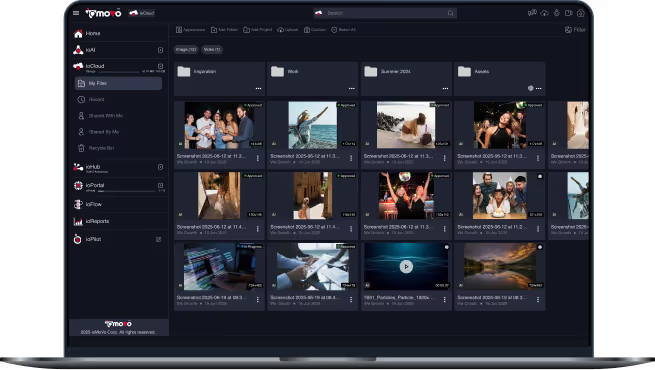
Shape How Your AI Works, Then Own It

ioStudio is where your team configures the AI inside ioMoVo. Build tools and playbooks, tune the agents that index your video, images, audio and documents, manage the vocabulary they write into, and route work across the models you choose. What used to be hardcoded is now configuration you can see, edit and keep.

Your models, your rules
Every setting visible and editable
Every action logged
ISO 27001 and SOC 2 Type II
Why Teams Choose ioStudio

Nothing hidden
Execution plans that used to live in code are now playbooks you can read, edit and switch on or off.

Built in, plus your own
Start with 37 built in tools and ready made indexing agents, then add your own tools, playbooks and agents right alongside them.

Tuned to your content
Indexing agents come tuned for CCTV, drone, interview, underwater, movie and mobile footage, plus spreadsheets and paged documents.

No single model lock in
Route each kind of work across the models you trust, with automatic failover when one errors or hits its limit.

Your model, your boundary
Connect your own keys, run a self hosted model through an ioAI connection, or use ours, in the cloud, on premise or fully air gapped.
That's what separates ioStudio from AI you can only use: it is AI you can configure, inspect and own.
What ioStudio Does
ioStudio brings every AI setting into one place, organized as tabs. Each one is visible, editable and shared across ioPilot and indexing, so the same rules apply wherever the AI runs.
Tools
37 built in, read only system tools such as Search, Read Document, View File Insights, List File Versions, Activity Logs, Generate Reports, Canvas, Web Search, Plan and Memory. Add external tools by importing an OpenAPI definition, then review them before anyone can use them.
Playbooks
Write step by step instructions in Markdown. A step can give an instruction, call a tool and store the result, or ask the user a question and branch on the answer. Playbooks are matched to what people ask, with a Default playbook as the fallback, and each one can be switched live or off.
ioPilot Agent
Set how the agent behind ioPilot chat behaves, which tools it reaches for and which model answers, so every conversation starts from rules your team agreed on.
Indexing agents
Separate agents for image, video, document and audio. Each one sets the language, the model or models it uses, internal or external processing, and which of up to 18 outputs it produces, from summaries and tags to OCR, object and face detection and transcription.
Taxonomy
The shared vocabulary your indexing agents write into: tags, categories, brands, objects, topics, landmarks, prompts and prompt groups. Prompt Groups make tagging repeatable, so you can re index an archive as models improve and merge with or replace earlier results.
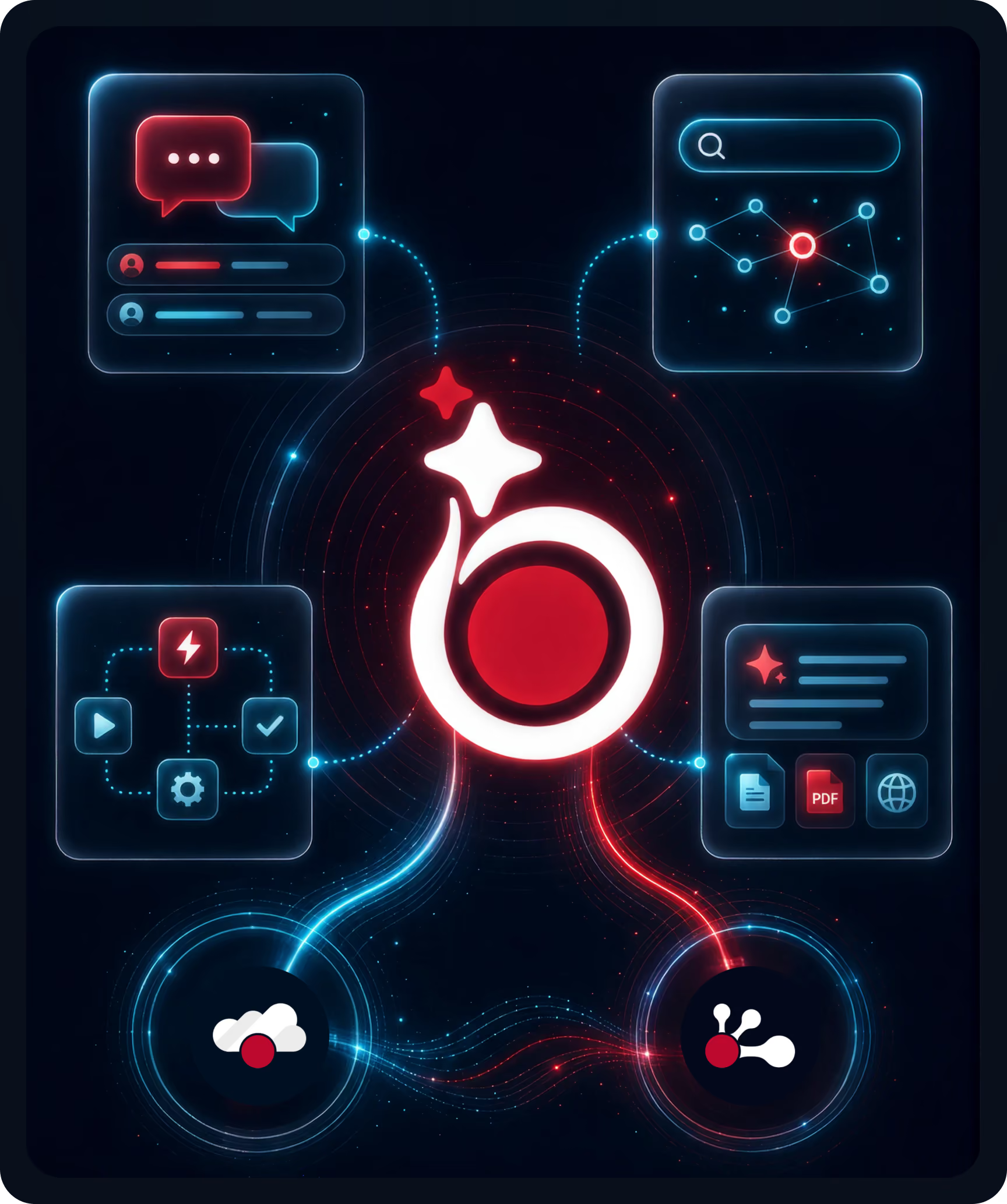
Built for Teams That Need AI They Can Govern
AI earns trust in regulated and content heavy work when people can see how it decides and change it without filing a ticket with the vendor.
What we hear from teams putting AI to work on their content:

The AI is a black box, so nobody can explain why a file was tagged or an answer was given.
Every change to how the AI works means waiting on the vendor's roadmap.
General purpose tagging misses the vocabulary of their field.
When one model provider goes down or hits a limit, the whole team stops.
Compliance teams block AI that sends content to a provider they don't control.
Most AI tools want your content moved into their platform before they will index it.


How ioStudio solves it:
Playbooks, agents and routes are plain configuration your team can read, review and edit.
Create your own tools, playbooks and agents alongside everything built in, with no code release needed.
Taxonomy and domain playbooks teach the AI your terms. Write your own or subscribe to packs in ioMarket.
Round robin routes take turns across your active models and fail over to the next one automatically.
Bring your own model, or run a self hosted one through an ioAI connection, so prompts and files stay inside the boundary you set.
No migration required: ioHub connects the storage you already run, and your indexing agents work on files right where they live.
How Teams Use ioStudio

Media and broadcast archives
Pick the interview or drone video agent, add your show and talent names to Taxonomy, and re index the archive with a Prompt Group so every clip is tagged the same way.
Regulatory and compliance teams
Write a playbook that checks each new policy document against the current retention rule, asks the reviewer when something is unclear, and records the result.
IT and platform teams
Import an internal API as a tool from its OpenAPI definition, review it, and let ioPilot use it under the same permissions and audit trail as everything else.
Sovereign and air gapped teams
Route every model type to self hosted models running inside your boundary, with failover between them, so no prompt or file ever leaves your infrastructure.
Marketing and brand teams
Save your best brand check prompts to the shared Prompt Catalog, built visually from blocks like role, task, guardrails and output format, so the whole team runs them the same way.
Core ioStudio Capabilities
Model routing with failover
Create named routes for each model type, from vision and speech to text through text generation, text to image and text to video. A round robin route takes turns across an ordered list of active models and moves to the next one when a model errors or reaches its limit.
Ready made agent presets
Start from presets for CCTV, animated, mobile, movie, interview, underwater and drone video, and for spreadsheets, text and paged documents, then copy and adjust them for your own content.
Bring your own model, everywhere
Your own models for Claude, Gemini, ChatGPT or Grok now run indexing, transcription, translation and summaries, not only chat, at a reduced credit rate. Face recognition and embeddings always run on ioMoVo's own models, so results stay consistent.
Prompt Catalog and Prompt Builder
A shared library of reusable prompts grouped by category, with sharing, import and export. Build prompts by dragging blocks onto a canvas, add variables that fill in at run time, and run a test before you save.
Face recognition stays opt in
Face recognition is enrollment based and off by default. An administrator turns it on and decides who is enrolled, and only enrolled people are ever recognized.
Governed like everything else
ioStudio follows role based access, permissions are checked at request time, and every change and every run is logged and exportable.
One configuration, every surface
The same tools, playbooks, agents and routes apply whether someone asks ioPilot or a new file is indexed, and ioFlow pipelines will reuse them too when they arrive.
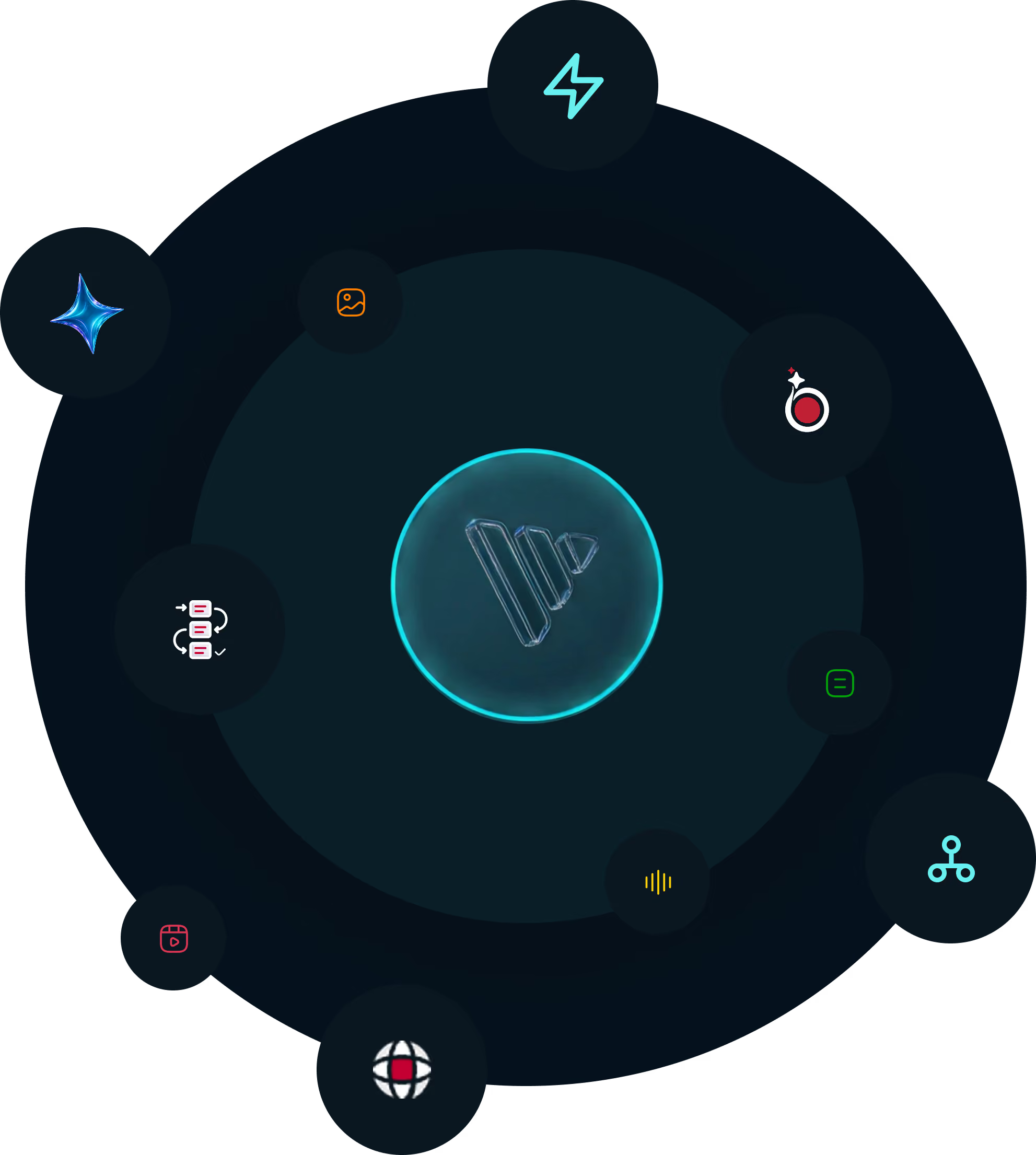
Where ioStudio Fits in the ioMoVo Platform
Build in ioStudio, use it everywhere. A question to ioPilot is matched to a playbook, the playbook calls its tools, the route picks a model, and the answer draws on metadata your indexing agents produced.





Frequently Asked Questions

No. Playbooks are written in plain Markdown, prompts are built from blocks on a canvas, and agents are configured with settings. Developers can add external tools by importing an OpenAPI definition.

Any model you connect. One connection per provider holds one key and many models, for Claude, Gemini, ChatGPT and Grok, and an ioAI connection runs a self hosted model on your own servers. Hugging Face connections are next.
A round robin route moves the work to the next active model in its list, so things keep running without anyone stepping in.
Yes. Each indexing agent shows its language, model, processing location and outputs, and you can edit it or build your own. Prompt Groups let you re index an archive later and merge with or replace earlier results.
Yes. ioStudio is part of every deployment model, from multi tenant cloud to fully air gapped, and in air gapped deployments every model runs inside your boundary.
Try ioStudio on
your own content
Start a 14 day Business trial with 100,000 AI credits, connect a drive you already use, and tune an indexing agent to your own files. Or book a 15 minute walkthrough and we'll show ioStudio working on content like yours.