Hybrid Cloud Storage Software for Enterprise Content

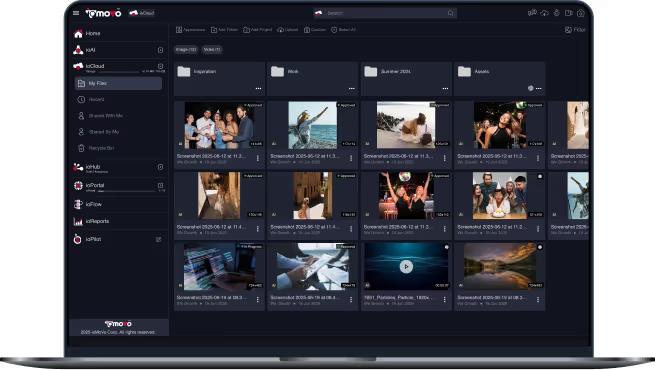
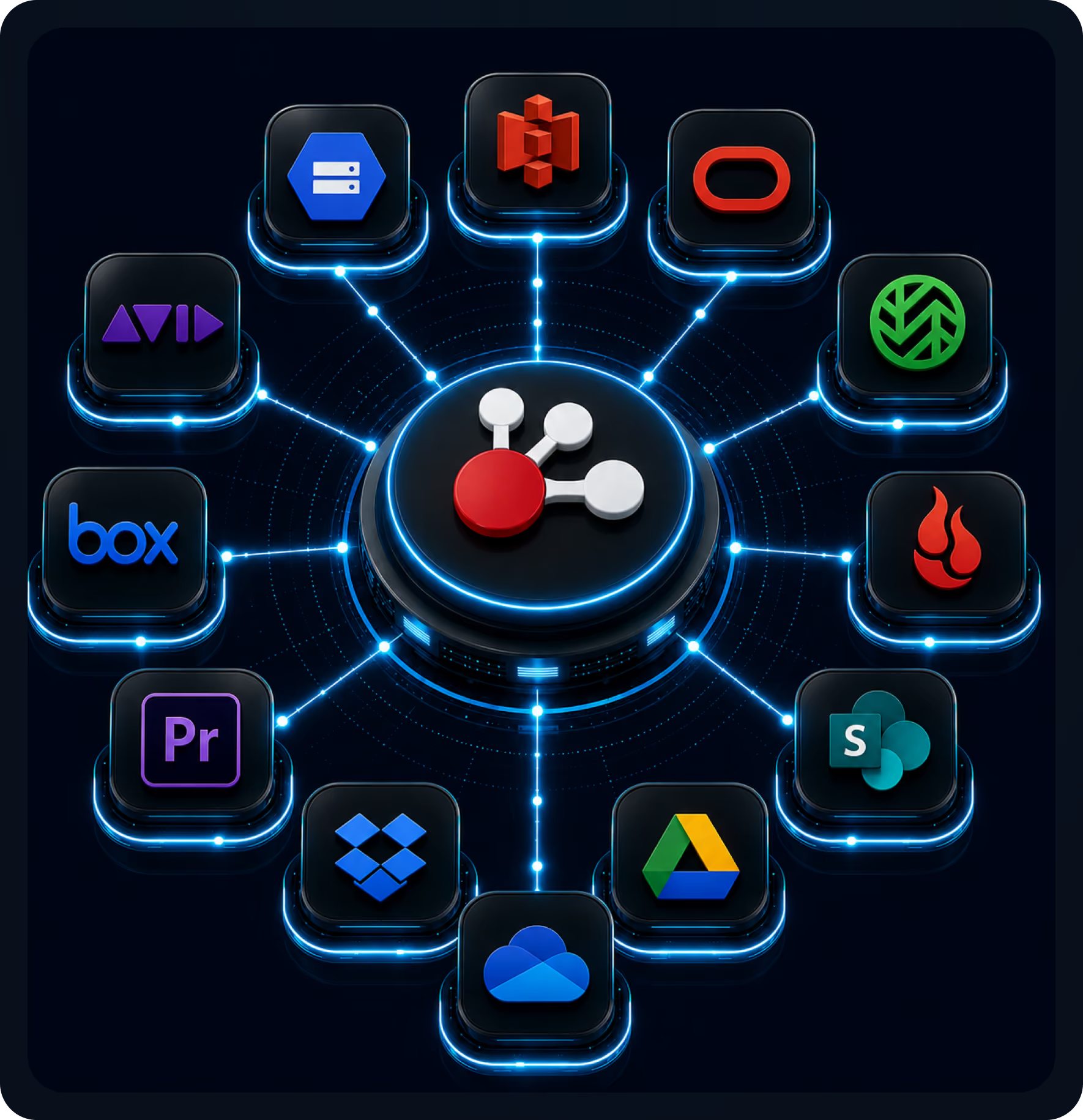
ioHub is the BYOS DAM. It connects the storage you already run, from Amazon S3, Azure, Google Cloud and Ceph to SharePoint, Dropbox, Box and your NAS, into one federated workspace. Content stays where it lives but becomes searchable and manageable through one interface, and index data and AI metadata are written back next to your own files.

Index in place
No migration
SOC 2 Type II
ISO 27001
MCP for AI agents
Why Teams Choose ioHub

Days to deploy
Connect existing storage in days, not months
0 files migrated
Content stays in its source system

Cloud, object, NAS and drives
Cloud, on premise, hybrid and archive tiers

You keep the metadata
Index data and AI metadata are stored next to your files, so they stay yours
Enterprise cloud storage, unified
One federated layer across every environment you already run
Connect to Any Content Source
ioHub connects to the systems your organization already runs, indexes everything in place, and surfaces it through ioCloud as one searchable, AI ready workspace. Because ioHub writes index data, proxies and other derived files back to your storage, connected storage needs read and write access.
Cloud storage
Amazon S3, Azure Blob Storage, Google Cloud Storage, Oracle Object Storage
Any S3 compatible endpoint, including Wasabi, Backblaze B2 and MinIO
On premise Ceph, including erasure coded and replicated pools
File sharing and collaboration
Microsoft SharePoint and OneDrive
Google Drive
Dropbox, Box
Archive tiers
Azure hot, cool and archive tiers today, AWS and Google Cloud archive coming, plus on premise warm and cold tiers via Ceph and S3 compatible storage
On premise NAS
NAS over SMB, SFTP, FTPS, FTP or Ceph, and NFS on shares that also serve SMB
NAS the service can't reach: the ioMoVo Desktop agent syncs the folders you choose from inside your network
You choose which paths are exposed and can revoke access at any time
Direct capture
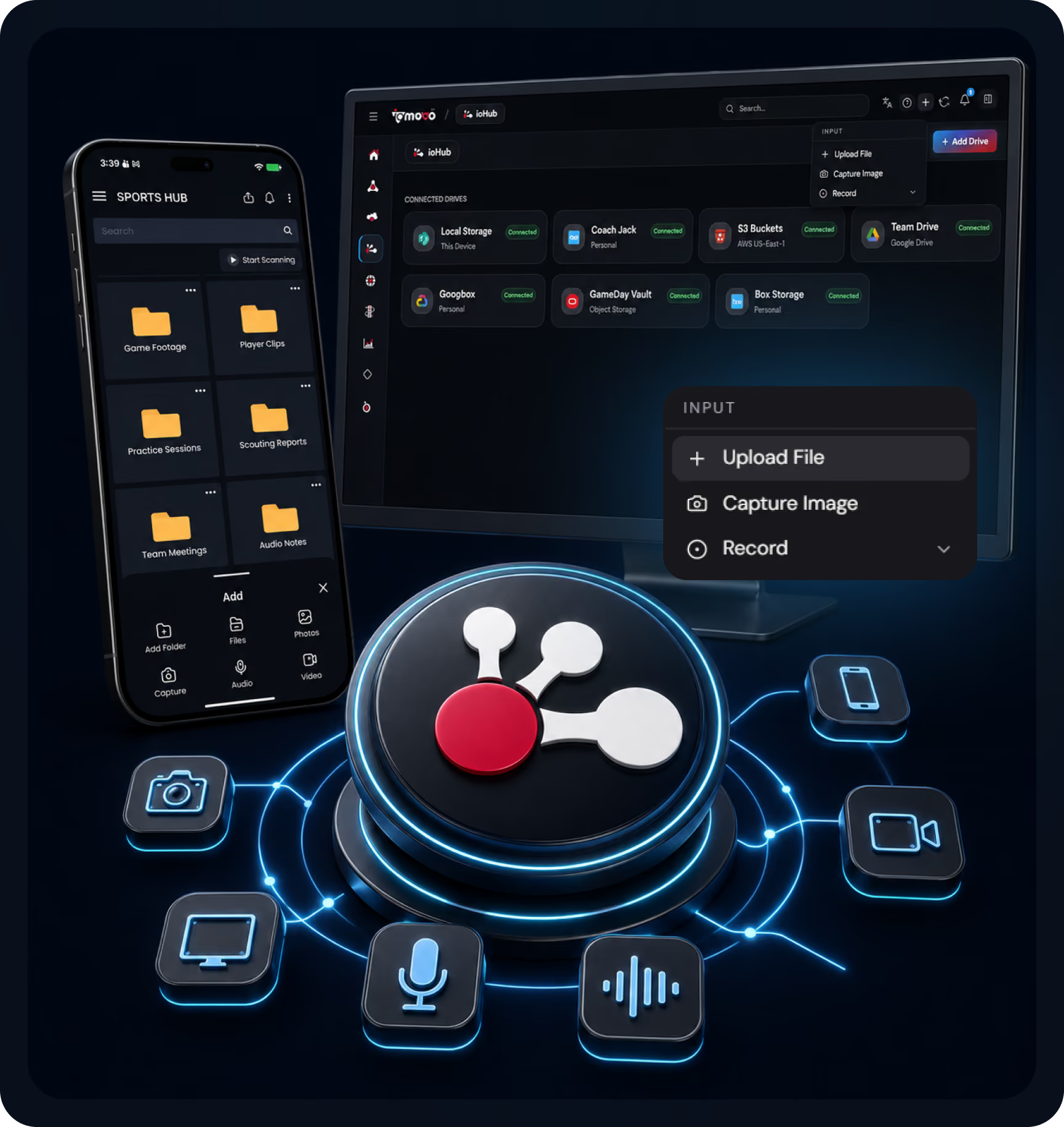
Mobile capture on iOS and Android: microphone, camera, screen recording and video
Desktop capture: screen recording, audio and dictation
How ioHub Works
Connect
Configure connectors for source systems feeding into ioMoVo: cloud storage, object storage, cloud drives and on premise NAS, typically connected in days. Captured content can land in ioCloud or in your own storage through ioHub.
Index
ioHub indexes content in place, covering metadata, structure and full text, without moving files, and writes the index data back next to them. As content arrives, AI indexing applies tags and classification, and Prompt Groups let you re index later as models improve.
Federate
Pick a connected drive and search it in plain language with ioPilot, with metadata normalized for consistent results. Scoping each question to one drive keeps it fast and keeps compute costs down. External AI agents can reach indexed content as a governed tool through MCP.
Built for Hybrid Content Realities
What we hear from teams managing content spread across many systems:

Content is scattered across AWS, Azure, SharePoint and on premise servers, with no single way to search it.
Projects to consolidate content take 12 to 24 months and disrupt operations, so they keep getting deferred.
AI search tools require copying content into a vendor's cloud, and IP, regulatory and cost concerns block adoption.
Existing storage governance, such as access controls and regional residency, can't be preserved when migrating to a new system.
Connectors to enterprise systems are usually one way, surface level, or need a custom integration project.
How ioHub solves it:
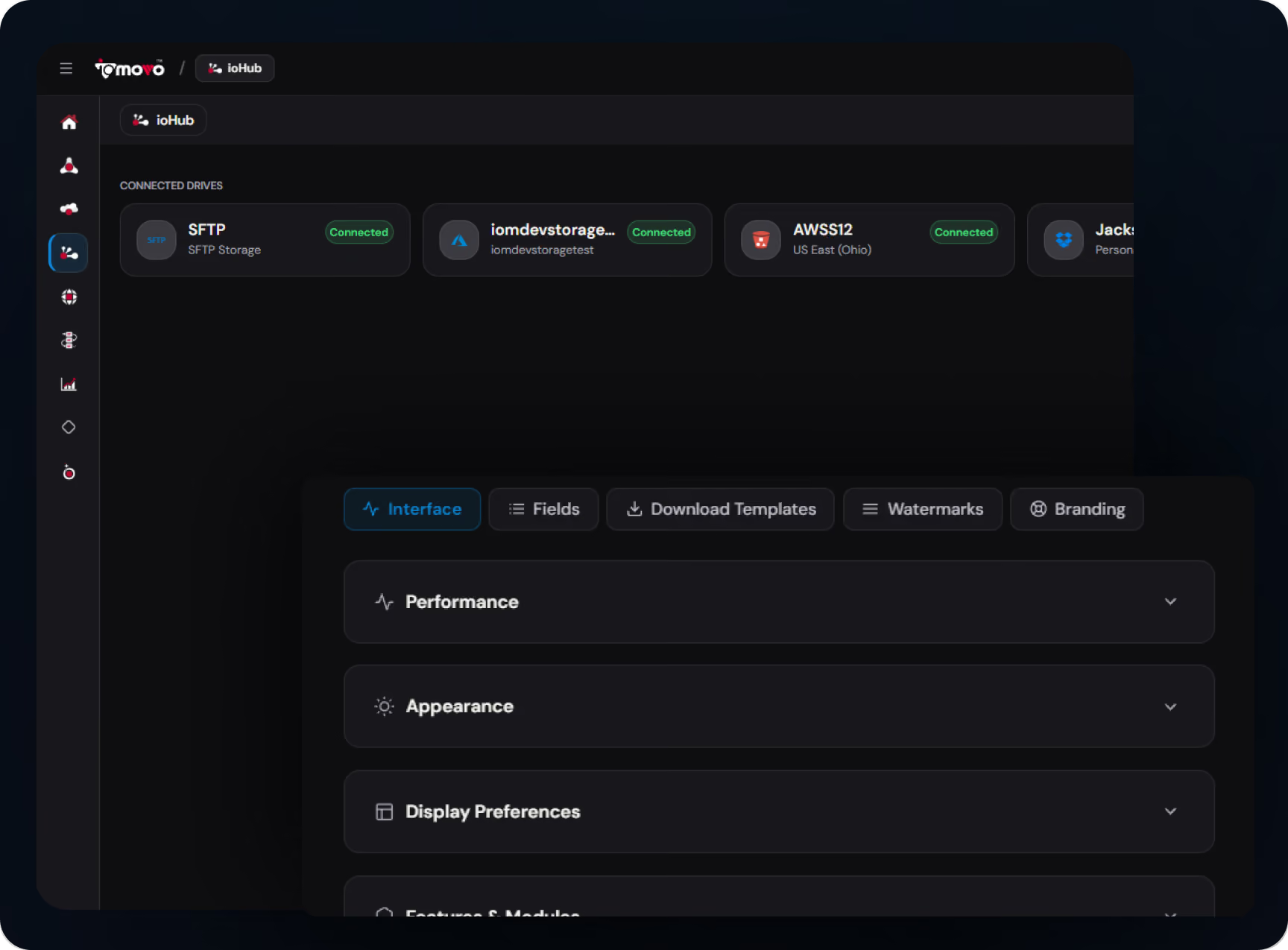
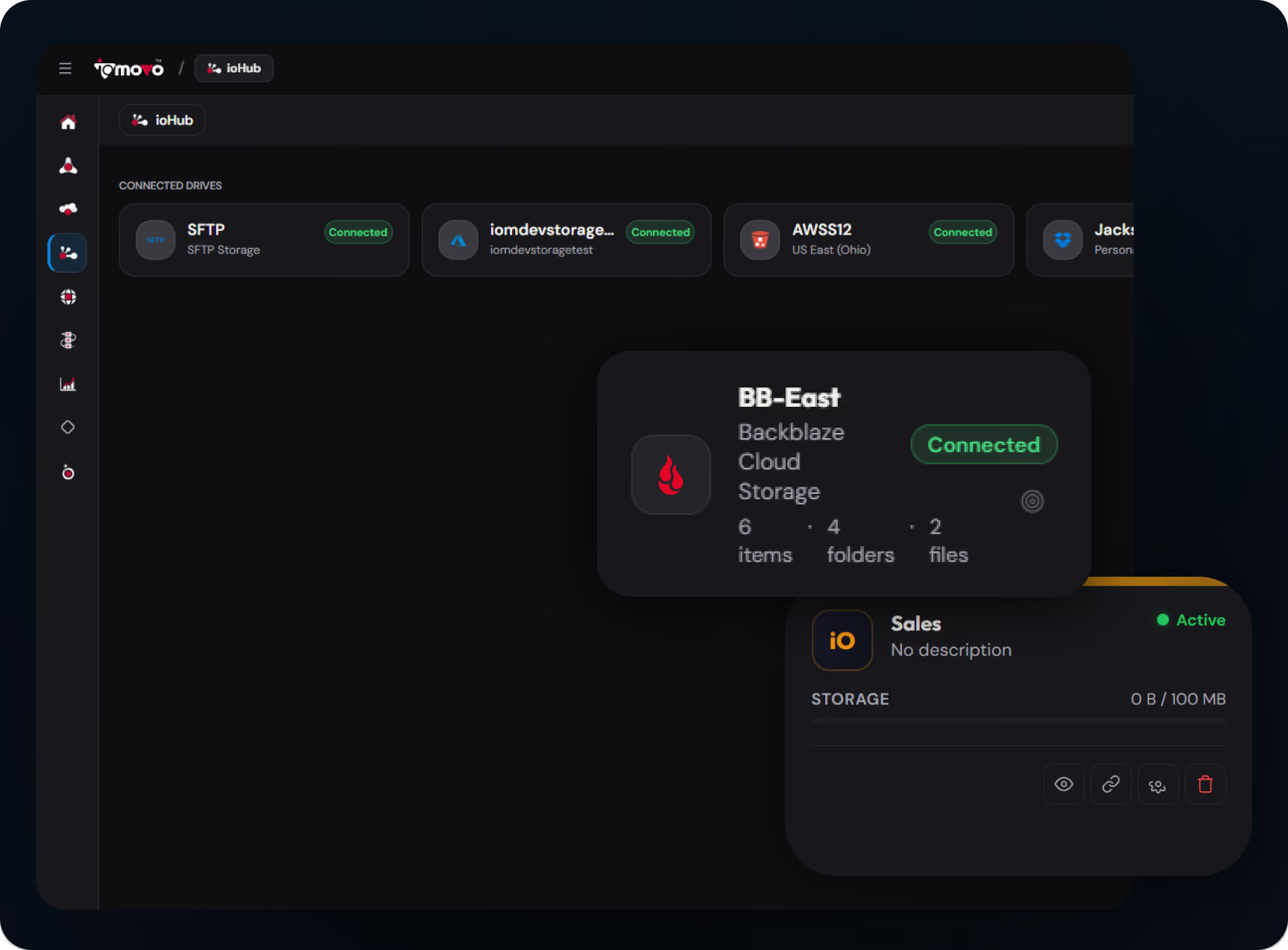
Connect Amazon S3, Azure, Google Cloud, Ceph, SharePoint, Dropbox, Box and NAS in days, not months, then search any connected drive in plain language through ioPilot.
No migration. Content stays in its source system, ioHub indexes it in place, and index data and AI metadata are written back next to your files, so you keep them if you ever leave.
Bring your own AI means content doesn't leave your infrastructure for AI processing in sovereign deployments, with NVIDIA DGX Spark available on premise.
Your storage stays yours: residency and storage level controls remain in place, and ioMoVo adds role based access, checked at request time, on top.
Where ioHub Customers Use It
Multi cloud organizations
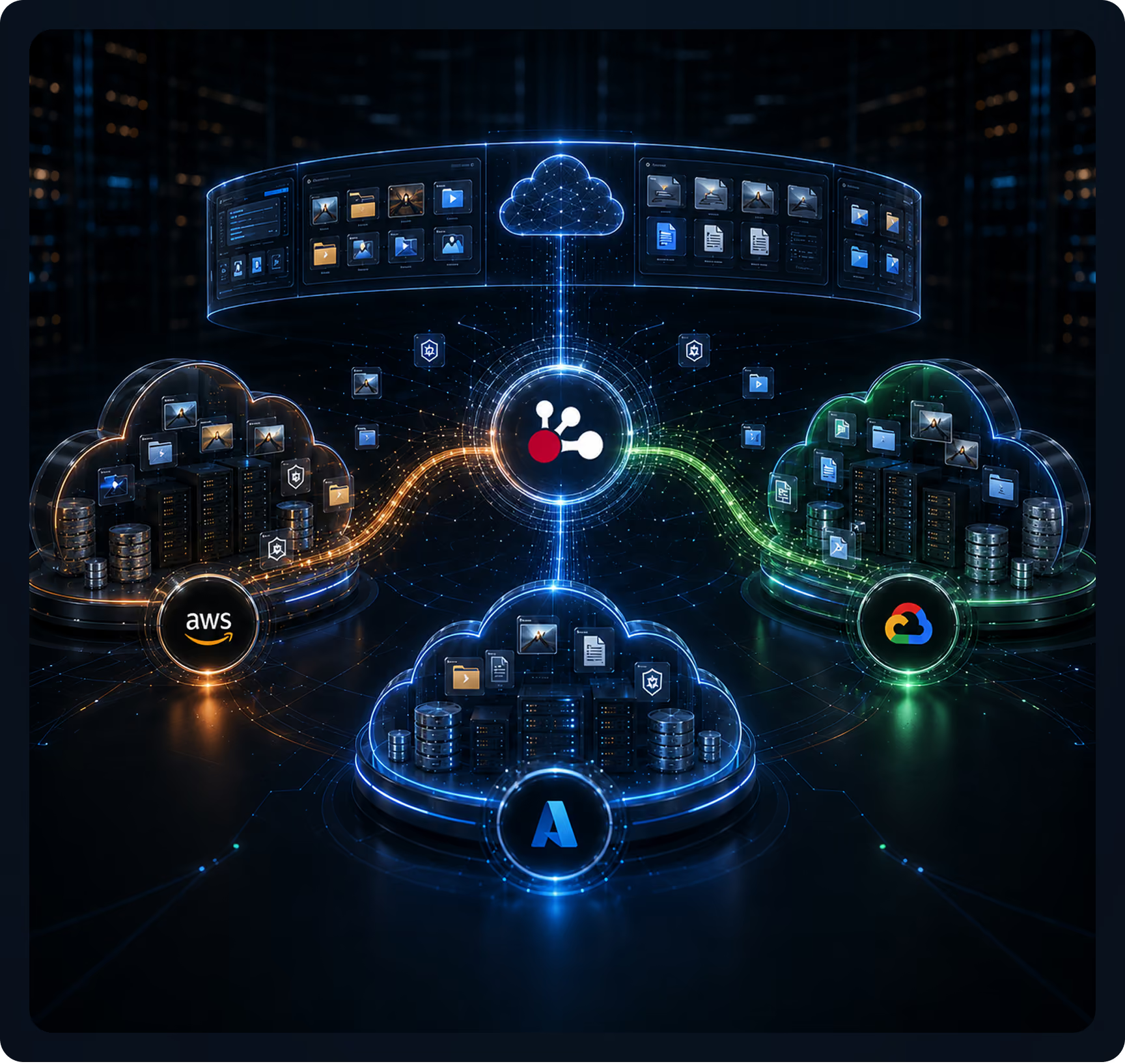
Enterprises running content across AWS, Azure and Google Cloud search and process it in place, without migration. ioHub indexes each cloud, and AI indexing respects each environment's compliance requirements.
Hybrid cloud deployments
Organizations with on premise NAS and Ceph alongside cloud storage get one workspace across both, without forced migration. For sensitive on premise content, sovereign AI on NVIDIA DGX Spark keeps processing local, and the Desktop agent reaches NAS that isn't exposed to the service.
Existing stack consolidation
Teams with content in SharePoint, Dropbox, Box and Google Drive across departments use ioHub to bring access together without a migration. Each team keeps its preferred tool, and ioMoVo adds search and AI on top.
Core ioHub Capabilities
Connect to any source
Cloud object storage, S3 compatible endpoints, on premise Ceph, NAS and cloud drives, typically connected in days.
Index in place, no rip and replace
Content stays in source storage. ioHub indexes metadata, structure and full text and stores index metadata next to your files.
Search any connected drive
Pick the drive, then ask. ioPilot searches each connected drive in plain language, and scoping each question keeps it fast and compute low.
Metadata normalization and enrichment
Normalizes differing source schemas for consistent search and AI. AI indexing adds tags, classification and transcription as files arrive.
Copy, move and schedule transfers
Copy and move files between ioCloud and hub drives, and schedule transfers. Transcode, archive, publish, batch updates and CDN links work in hub drives that support them natively.
Archive tiers
Azure hot, cool and archive tiers today, native AWS and Google Cloud archive tiers coming, and on premise warm and cold tiers through Ceph and S3 compatible endpoints.
MCP for AI agents
External AI clients use ioMoVo as a governed tool through its public MCP connection, and agent to agent workflows use the A2A protocol.
Desktop agent for private NAS
When NAS can't be reached from the ioMoVo service, the Desktop agent runs inside your network and syncs only the folders you select, with access you can revoke at any time.
Where ioHub Fits in the ioMoVo Platform
ioMoVo is an AI native content platform built from modules. Each one covers part of the content lifecycle, and ioHub connects the storage you already own.



Frequently Asked Questions

No. ioHub indexes content in place, so files stay in SharePoint, S3, Ceph or your on premise servers. It does write index data, proxies and other derived files back to your storage, which is why connected storage needs read and write access. Captured content can land in ioCloud or in your own storage.

Most deployments connect their first sources within days. Cloud storage connectors such as AWS, Azure and Google Cloud connect in hours. On premise NAS may need some network planning, or the Desktop agent where the service can't reach it.
Yes. ioHub works on top of the storage you already govern, so residency and storage level controls stay in place. Inside ioMoVo, permissions are checked at request time against each person's current role and groups, and every action is logged.
Any model you connect. Use your own keys for Claude, Gemini, ChatGPT or Grok, run a self hosted model on your own servers through an ioAI connection, or use ioMoVo's models. Face recognition and embeddings always run on ioMoVo's own models. In air gapped deployments every model runs inside your boundary, and NVIDIA DGX Spark is supported for on premise AI. External agents can also reach indexed content through MCP.
Traditional storage gateways are about caching and access. ioHub is about intelligence: it indexes content so each connected drive is searchable, normalizes metadata so search and AI work consistently, runs AI indexing without copying content, and supports governed agent workflows through MCP and A2A architecture. It is hybrid cloud storage software, but the value is the intelligence layer it enables.
Yes. Most enterprise systems with documented APIs can be added through custom connector development, so contact sales for anything not listed. ioHub also works with any S3 compatible endpoint and with SFTP and FTPS, for systems where a dedicated connector isn't the right fit.
Connect your existing content stack in days
See ioHub running on your own storage. We'll connect representative sources, show search and AI indexing in place, and walk through your deployment options. Or start a 14 day Business trial with 100,000 AI credits and connect your first drive.